There are tons of wonderful videos you can watch on YouTube. But are you too busy to watch long videos? Do you want to store them in your own drives? Do you want to download them then convert and transfer them to your iPod or PSP?
You no longer need bothering. Now,I find it is easy to downlod Youtube video by Orbit downloader.
1.Download Orbit downloader and install it
Any one can download Orbit downloader install-package from its homepage .
Orbit is also a light, feature-rich, resource-friendly download manager, which
support http/https/ftp/mms/rtsp protocol.Install Orbit step by step. Then may be
you need restart IE after install it.
2.Go YouTube to get started
Go YouTube and find a video you like. For example, I find "The
Last Knit"(http://www.youtube.com/watch?v=M6ZjMWLqJvM).
Hover your mouse on the video, you will see a small button appeared near your
mouse, like this:

It is powered by Orbit downloader.
3.Download the video with a click
Click the button:

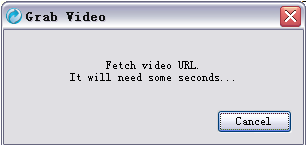
Then Orbit will pop up a dialog to fetch the video url. It will need about 2
seconds.
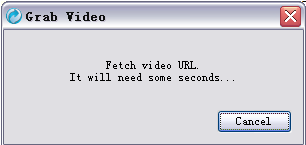
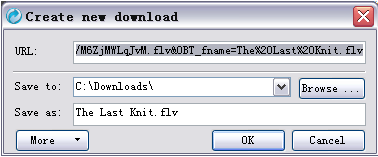
Soon, the "Create new download" dialog pop up. Click "OK",then the video is being downloaded.
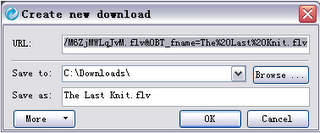
That's all. Do you think it is a easy way to get videos as me?
Source: From the internet.